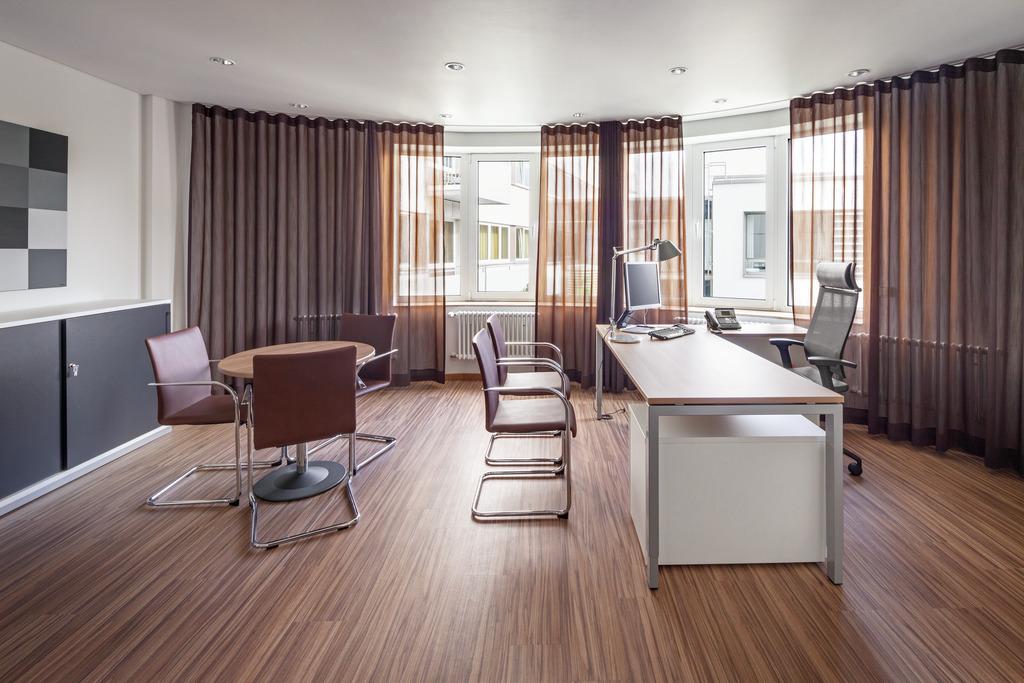
Silent Gliss Automatic Curtain Opener
Electric curtain openers and remotes: how to control your curtains

Reviewed by David Coleman, Website Manager
Reviewed 7 May 2026
How you control your electric curtains depends on which Silent Gliss product you've ordered and what extras you've added on top. The Silent Gliss Autoglide 5100 ships with a wall-mounted button that pops out of its housing to double as a handheld remote, so you've got both a wall control and a portable remote built into one device, which covers most of what most customers need. For phone control and voice integration with Alexa or Google Home, you'll need the Silent Gliss Move 4.0 hub as an additional cost item, and that works with the 5600 track and the 4960 mains roller blind, not with the 5100, the Metropole or the 4955 battery roller. This guide walks through each control option, what's in the box for each product, and what you can add on top, so you can pick the setup that fits your room.
How the motor opens and closes the curtains
Inside every Silent Gliss electric curtain track or pole there's a small motor at one end that drives a belt or cord along the inside of the track, and that belt pulls the curtain carriers along smoothly when you press a button. The motor draws power either from a 13A plug at one end of the track (which is how the 5100 and the Metropole work) or from a hardwired fused spur (which is what the 5600 needs). When the motor receives a signal from any of the controls below, it runs the curtains open or closed in one continuous movement, with a soft start and soft stop built in so the curtains accelerate gently at the beginning of the run and slow down before the end. That protects the motor and gives the whole thing a better feel than the cheaper systems on the market.
Remote handsets and wall buttons
The 5100 ships with a wall-mounted button that pops out of its housing to act as a handheld remote, so you've got two controls in one. You point it at the motor, hit open or close, and the curtains run. There's also a stop button, so if you want the curtains parked halfway across the window you press stop where you want them and they stay there until the next command.
The 5100 comes in four variants and the variant decides what else ships in the box alongside the wall button:
- 5100 B: just the wireless wall button (which pops out as a remote). The simplest setup, and the right pick if you're not sure what else you'd use.
- 5100 R: wall button plus a separate handheld remote, slightly larger than the wall button so it's easier to hold from the sofa or in bed.
- 5100 T: wall button plus the SG 11429 programmable timer, so you can run the curtains on a daily schedule.
- 5100 TC: wall button, separate handheld remote and timer, the full set.
The Metropole electric pole uses the same motor and the same B, R, T and TC variant naming, so the controls work the same way and the box contents track the same logic. The variant you pick at order is what arrives in the box.
If you've got more than one electric curtain in the same room, or two curtain runs meeting in the centre of a bay, a multi-channel remote pairs with several motors and lets you run them individually or together with one button. The SG 10948 6-channel handset works with the 5100 and the 4955 battery roller, and the SG 11932 6-channel handset works with the 5600 and the 4960. We can supply multi-channel remotes as an accessory, so you don't have to commit to that at the point of order.
Touch and Go: pull the curtain and the motor takes over
Every 5100 and every electric Metropole has a feature called Touch and Go built into the motor. You give the leading edge of the curtain a small tug in the direction you want it to go, and the motor takes over and runs it the rest of the way to fully open or fully closed. No remote, no app, no fishing for the wall button, just a tug. The 5600 has the same feature on tracks up to 12 metres long.
It's the kind of thing customers don't ask for but use every day once they've got it. If you're walking past a partly closed curtain on your way out of the room, you don't need to find a control, you can just pull it and walk on. Touch and Go works alongside everything else, so adding voice control or a timer doesn't take it away.
Wall switches
For the 5100 and the Metropole, the wireless wall button that ships in the box is your wall switch, just pop it onto its mount and it sits next to the light switch or your favourite chair. The 4955 battery roller ships with the same SG 10949 wireless wall button, so no separate decision needed there either.
The 5600 and the 4960 give you more choice. You can have a wireless wall switch on the same battery-and-magnet basis (1-channel for one track, 6-channel if you want to control multiple tracks from one switch). You can also have a switch hard-wired straight into the motor by an electrician, which is what's known as dry contact wiring. On the 5600 in particular, dry contact is the standard for larger and commercial installs, because the spec is usually drawn up around a hardwired switch that goes in at fit time alongside the rest of the electrical work, with remote-control options available on top if you want them.
Timers
If you want the curtains to open and close at fixed times each day without you having to think about it, the Silent Gliss SG 11429 timer plugs into the 5100 T and 5100 TC variants (and the same variants on the Metropole) and runs the curtains on a daily schedule. You can set different open and close times for each day of the week, so the curtains open at 7:30 on weekdays and 9 on weekends if that's how your mornings actually work. Once it's set, the curtains run themselves and you can ignore them, which is the whole point.
The big advantage of the timer over voice control is that it doesn't need Wi-Fi, a smart home hub, an app, or any kind of internet connection. You set it once, plug it in, and it works. If you want simple automation without dealing with technology, the timer is the cleanest route, and we've got the full range of compatible timers and accessories on the accessories page.
Phone control through the Silent Gliss app
If you've got a 5600 track or a 4960 mains roller blind with the Silent Gliss Move 4.0 hub paired to it, you can use the free Silent Gliss app on iPhone and Android to control the curtains from your phone. You can open, close, and stop them, group multiple curtains into rooms, and set scenes that move several at once. The app needs the Move 4.0 hub to talk to the motor, and the hub only works with the 5600 and the 4960, so the app isn't an option on the 5100, the Metropole or the 4955 battery roller.
Alexa, Google Home and Apple HomeKit
Voice control runs through the same Silent Gliss Move 4.0 hub (SG 11900) that drives the app, and the Move 4.0 is an additional cost item that you'd add on top of your 5600 or 4960 order. The hub connects to your home network and bridges the curtains to Amazon Alexa and Google Home, so you can say "Alexa, close the bedroom curtains" or include them in a Good Morning routine that opens the curtains and turns the lights on at the same time. Apple HomeKit isn't directly supported by the Move 4.0, but Apple Shortcuts can drive some of the same functionality if you already use a HomePod or run shortcuts on your iPhone. Voice control isn't an option on the 5100, the Metropole or the 4955 battery roller, because none of those work with the Move 4.0.
The Move 4.0 is the right call if you've ordered a 5600 or a 4960 and you've already got an Alexa or Google Home setup that you want the curtains to be part of. If you don't run a smart home, or you've ordered a different product, the timer or the remote does the same daily job for less money.
Which controls work with which Silent Gliss product
Not every control works with every product, so it's worth knowing the differences before you order. The big split is whether the product talks to the Move 4.0 hub or not, because that's the gate for app and voice control.
- 5100 track: ships with the pop-out wireless wall button on every variant. The B variant is just the wall button; R adds a separate handheld remote; T adds the SG 11429 timer; TC has all three. Touch and Go is built into every variant. Multi-channel remote available as an accessory. Doesn't work with the Move 4.0 hub, so no app or voice control.
- Metropole pole: uses the same 5100 motor and the same B, R, T and TC variant system, so the controls and box contents match the 5100. Touch and Go on every electric variant. Doesn't work with the Move 4.0 hub, so no app or voice control.
- 5600 track: hardwired into a fused spur, no controller as standard. You pick your control method(s) at the configurator: a 1 or 6-channel wireless wall switch, a 1 or 6-channel handheld remote, or the Move 4.0 hub for app and voice control. The 5600 also supports dry contact wiring, which is how most larger and commercial installs are done, an electrician hardwires a switch directly to the motor at fit time. Touch and Go is built in (works on tracks up to 12 metres). The Move 4.0 enables app control and voice through Alexa or Google Home.
- 4955 battery roller blind: the SG 10949 wireless wall button (the same one the 5100 uses) is included with every blind. Optional handheld remotes are available at extra cost. Doesn't work with the Move 4.0 hub.
- 4960 mains roller blind: hardwired by an electrician. No controller is included as standard, you choose from a wireless wall switch (1 or 6 channel), a handheld remote (1 or 6 channel), a hard-wired wall switch, or the Move 4.0 hub for app and voice control. The motor's built-in radio receiver works with all of them.
If you're not sure which variant you need, drop us a message and we'll talk through what you want the curtains to do.
What happens during a power cut
Mains-powered tracks won't open or close during a power cut, which is the trade-off with any motorised system. All Silent Gliss tracks have a manual override though, so the curtains can be drawn by hand if you need them across before the power comes back on. The 4955 battery-operated roller blind isn't affected by power cuts at all, so if outages are a regular thing where you live and you want a system that just keeps working, the battery roller is worth a look.
Adding controls later
None of the controls are baked into the motor at the factory in a way that locks you in, so you can add extra remotes, multi-channel remotes, a timer or the Move 4.0 hub later as your needs change. The one exception is the timer on the 5100 and the Metropole, which only works with the T and TC variants, so if you think you might want a timer down the line, order one of those variants now and the option's there. The Move 4.0 hub for phone and voice control can be added later if you've gone for a 5600 or a 4960, but it doesn't retrofit to the 5100, the Metropole or the 4955, so if voice control is something you definitely want from day one, the 5600 or the 4960 is the order to place.
Pick the simplest control that works for the room
Most customers find that the wall button and a timer is enough for most rooms, and the Move 4.0 hub is only worth adding if you've ordered a 5600 or a 4960 and you've already got an Alexa or Google Home setup that you want the curtains to be part of. There's no point paying for the hub on top of the curtains if voice control isn't something you're going to use day to day. Pick whichever level matches how you actually live, not what's technically possible.
If you'd like to talk through which Silent Gliss track or pole and which control setup fits your room, drop us a message with a bit about the window and we'll go through it. The full range of electric curtains is on the site and we're on 01543 279996 if you'd rather have a chat about it.
Shop our range
Browse the products mentioned in this article
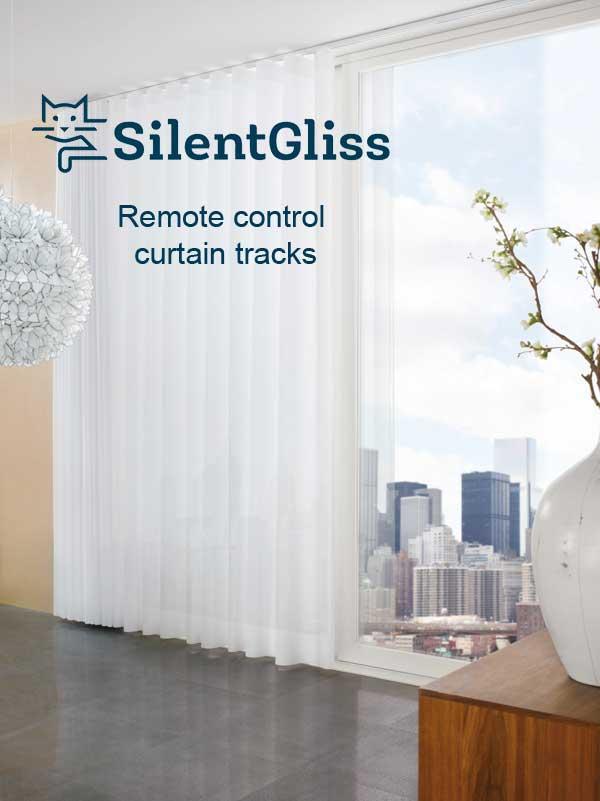
Silent Gliss Autoglide 5100
The UK's best-selling premium electric curtain track. Whisper-quiet, remote or timer control.
View product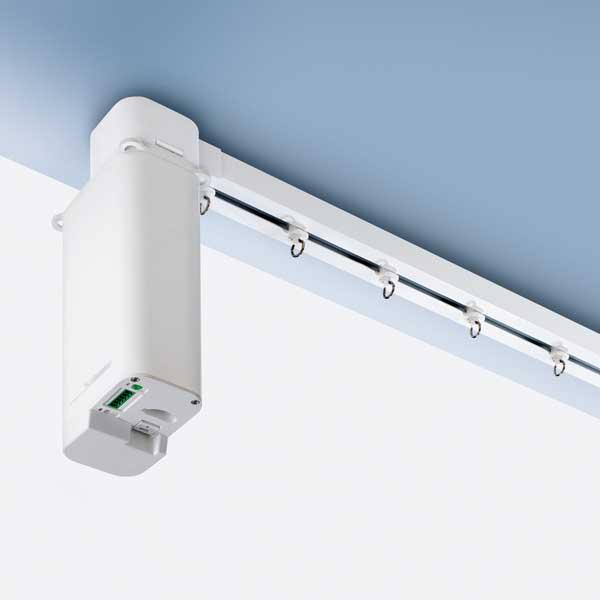
Silent Gliss 5600
Heavy-duty electric curtain track for large, heavy curtains and commercial spaces.
View product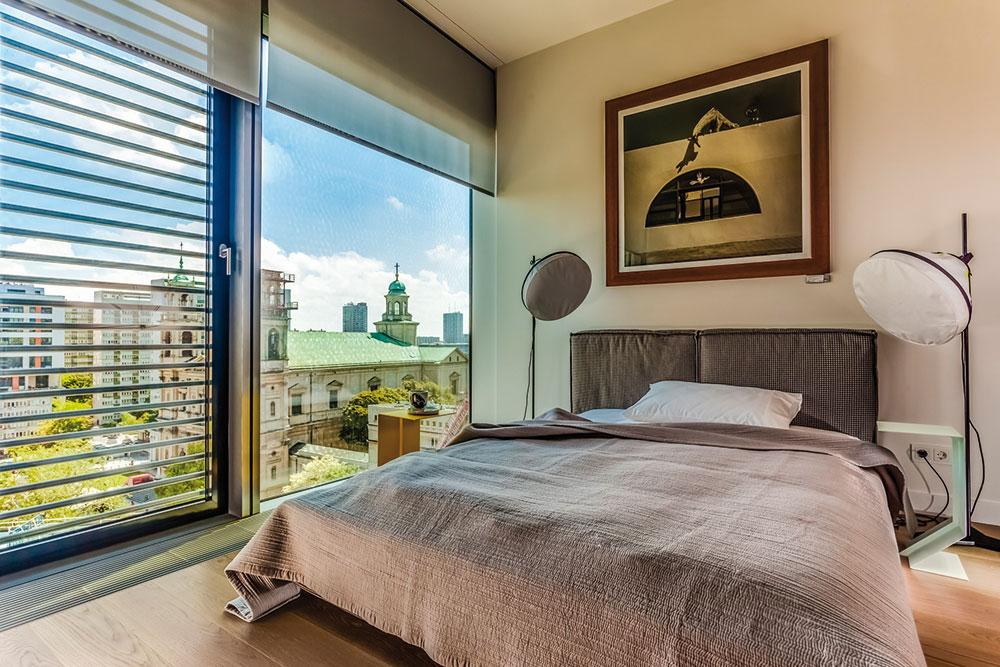
Silent Gliss 4960 Roller Blind
Mains-powered electric roller blind. Home automation ready with blackout fabrics.
View product